Blind Descent Controls
Keyboard/mouse and full controller support - dial FOV, inventory, scanner, and map before the jungle hits.
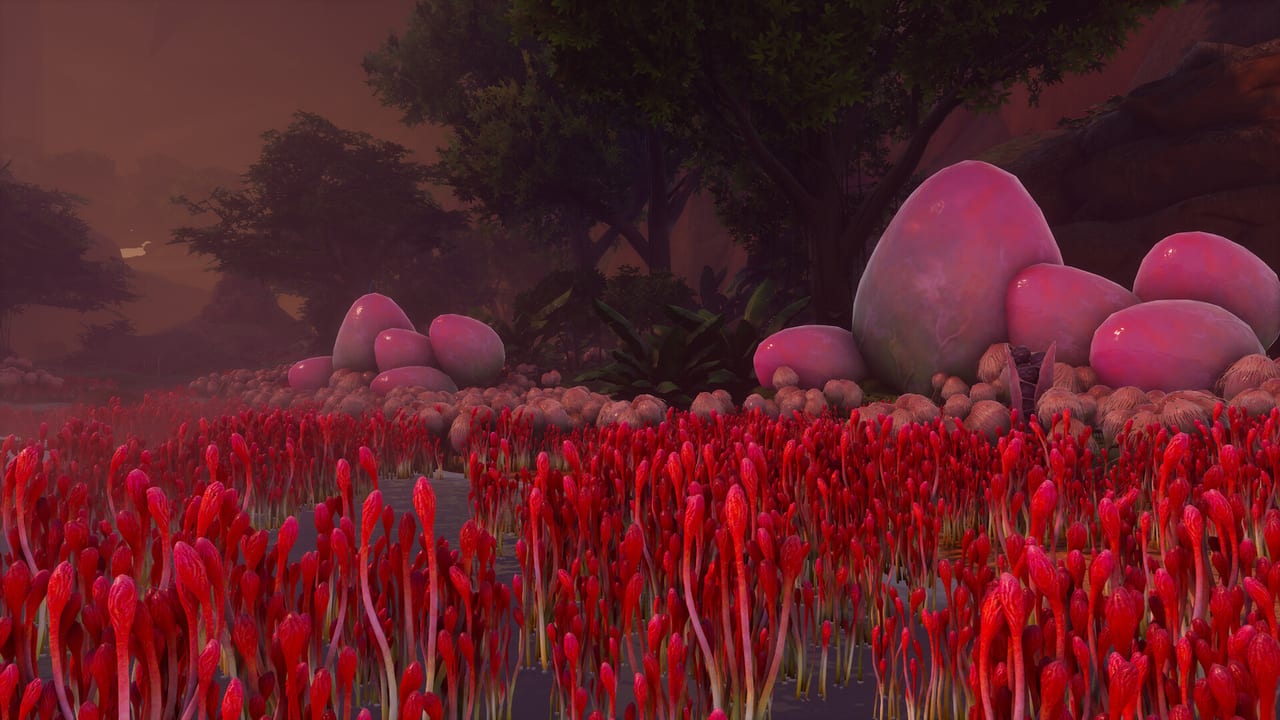
Blind Descent is a first-person open-world survival game on Unreal Engine 5 with full controller support on PC alongside keyboard and mouse. Steam also lists Steam Cloud, Achievements, and HDR. This page summarizes common actions from typical FPS survival design and from what playtest videos and patch notes show (Tab inventory/menu, scanner use, Holowatch map, placement interactions). Bindings and prompts may change during Early Access after the December 2, 2026 launch - always re-check in-game settings after patches.
Use this guide with Getting Started on day one and Survival Basics once combat stamina matters. Co-op players should share sensitivity notes on Co-op.
Before you leave the crash site
- Open Settings and set a comfortable FOV slider - underground caves punish narrow FOV and motion sickness alike.
- Confirm look sensitivity separately for mouse and controller if both profiles exist.
- Find inventory / Tab menu, holster/equip, and interact binds before you need them in a lockdown room.
- Note where the scanner and Holowatch map live on your HUD; fog of war and topography updates are part of survival, not optional UI.
- If you play on controller, enable any aim assist or vibration options you prefer while the opening is still quiet.
Keyboard and mouse - common actions
Exact keys can differ by build. The table below matches common FPS survival defaults and actions repeatedly shown in Blind Descent footage. Treat it as a learning checklist, then verify in the rebind screen.
| Action | Typical KB/M | Notes |
|---|---|---|
| Move | WASD | Strafe while scanning corners |
| Look | Mouse | Raise vertical sensitivity slightly for cave ceilings |
| Jump / Mantle | Space | Watch stamina on repeated climbs |
| Sprint | Shift | Sprint drains stamina - keep a reserve for fights |
| Crouch | Ctrl | Useful near acid lips and low fungus tunnels |
| Interact / Pickup | E | Hold when Holowatch prompts multi-step uses |
| Attack | Left mouse | Axes and spears cost stamina per swing |
| Aim / Secondary | Right mouse | Bows and rifles need clean ADS stamina |
| Inventory / Tab menu | Tab | Playtest notes reference Tab menu softlocks - avoid spam mid-cutscene |
| Scanner | Dedicated key (check Settings) | Scan before eating or engaging unknowns |
| Map / Holowatch | Dedicated key or radial | Updates fog of war and topography |
| Weapon / Tool hotbar | 1-8 or scroll | Keep suppressor and light source quick-accessible |
| Place / Build confirm | Left mouse + confirm | Used heavily while reclaiming the Pioneer base |
| Cancel / Menu | Esc | Leave menus before injecting suppressors if a build blocks it |
Two-handed weapons use more stamina than light tools - that is a gameplay rule, not a control bug. If swings feel heavy, check stamina before rebinding.
Controller - full support
Steam lists full controller support. Expect a standard dual-stick FPS layout:
| Action | Typical gamepad |
|---|---|
| Move | Left stick |
| Look | Right stick |
| Jump | A / Cross |
| Sprint | Click left stick or bumper (verify) |
| Interact | X / Square |
| Attack | RT |
| Aim | LT |
| Inventory | View / touchpad / Y (verify in Settings) |
| Scanner | Bumper or D-pad shortcut |
| Map | Back button or hold Holowatch radial |
| Pause / Settings | Start / Options |
Play seated with a charged pad for long mapping sessions. Co-op hosts on mixed input should pause when someone drops a menu over a lockdown prompt.
Scanner, map, and Holowatch habits
Controls only matter if you use the information layer:
- Scan new flora, fauna, corpses, and infection clusters before you commit.
- Open the map after every major chamber so Holowatch can push topography updates.
- When the AI talks through a diagnostic, avoid mashing Tab - playtest patches fixed softlocks from rapid menu swapping during infection sequences.
- Bind scanner next to interact if your hands allow; the core loop is scan, gather, craft.
Inventory and crafting UI
Inventory management shows up constantly: rocks and vines for the stone axe, medical mats for suppressors, arrows for the Silkworm Queen route. Tips:
- Deposit overflow at the Pioneer base before long runs.
- Keep suppressor crafts and cooked food in consistent hotbar slots across sessions.
- In co-op, announce when you open shared station UIs so nobody steals focus mid-place.
- If a menu blocks suppressor injection (older bugs existed), close UI and retry - then update when EA patches land.
Accessibility and comfort
- Use the FOV slider to reduce tunnel vision in dense bioluminescent caves.
- Lower look acceleration if grappling and bow aiming feel floaty.
- Toggle HDR only after you can still read Holowatch text on your monitor.
- Revisit binds after major patches; Early Access will iterate.
Confirm your machine can hold a stable frame rate via system requirements - input feel collapses when GPU hitching eats sprint timing.
Co-op input notes
Online co-op supports up to four Pathfinders. Mixed keyboard and controller squads should:
- Match FOV ballpark so callouts about left ledge mean the same shelf
- Avoid joining during opening infection cutscenes (playtest softlock source)
- Appoint one player to watch the map while others fight
More squad guidance: Co-op.
When controls meet content
- Learning the loop: Getting Started
- Stamina and hazards: Survival Basics
- Mutation menus: Mutation System
- Boss prep: First Dungeon
- Index: Guides Hub
EA caveat - please re-verify
Pokuch and META Publishing will keep changing Blind Descent through Early Access. Hotkeys, controller glyphs, and UI names in this article are best-effort composites, not a legally frozen manual. When a patch rewires Tab, scanner, or build confirm, trust the in-game prompt first, then return here after we update the wiki.
Dial FOV, confirm scanner, and only then chase the Pioneer lights. Clean inputs keep you alive long enough to decide whether you stay human.
Frequently Asked Questions
Quick answers about Blind Descent survival, mutations, and co-op.
Does Blind Descent support controllers?
Yes. Steam lists full controller support for the PC build alongside keyboard and mouse. Re-check glyphs after Early Access patches.
Is there an FOV slider?
Yes. Use the FOV slider in settings before long cave sessions. Comfort settings help with underground visibility and motion comfort.
What menu key do playtests mention?
Playtest patch notes repeatedly reference the Tab menu and inventory. Avoid spamming it during infection cutscenes to prevent softlocks seen in older builds.
Will these binds stay the same at launch?
Not guaranteed. Early Access begins December 2, 2026, and settings may change. Always verify in the in-game rebind screen after updates.
Why do my attacks stop mid-fight?
Stamina gates combat. Two-handed weapons cost more stamina per swing. Recover before committing to another heavy attack or sprint escape.